Sign Up Process
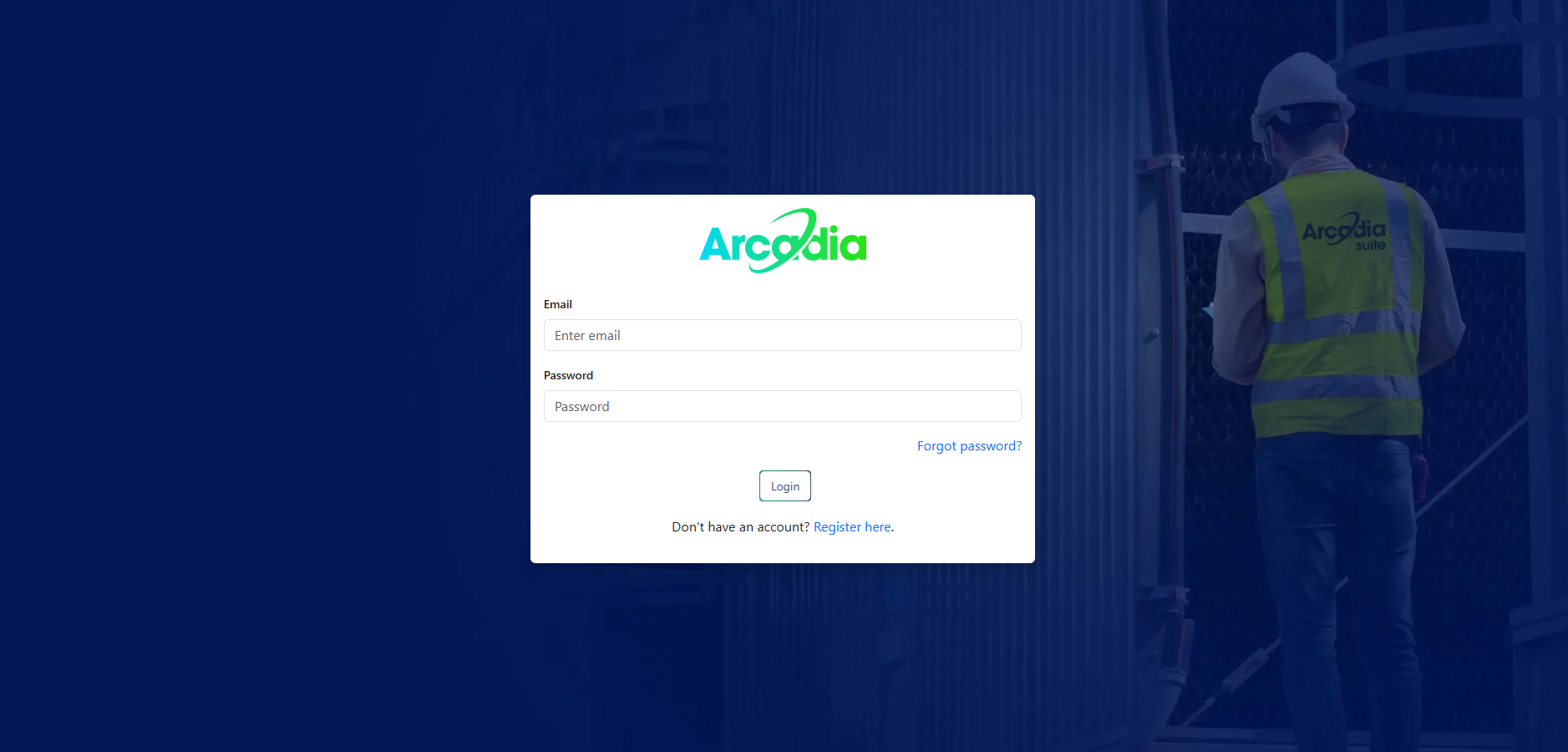
Step 1: Access the Registration Page
- Navigate to our official website at app.arcadia-suite.com
- Click on the "Register here" below the Login Button
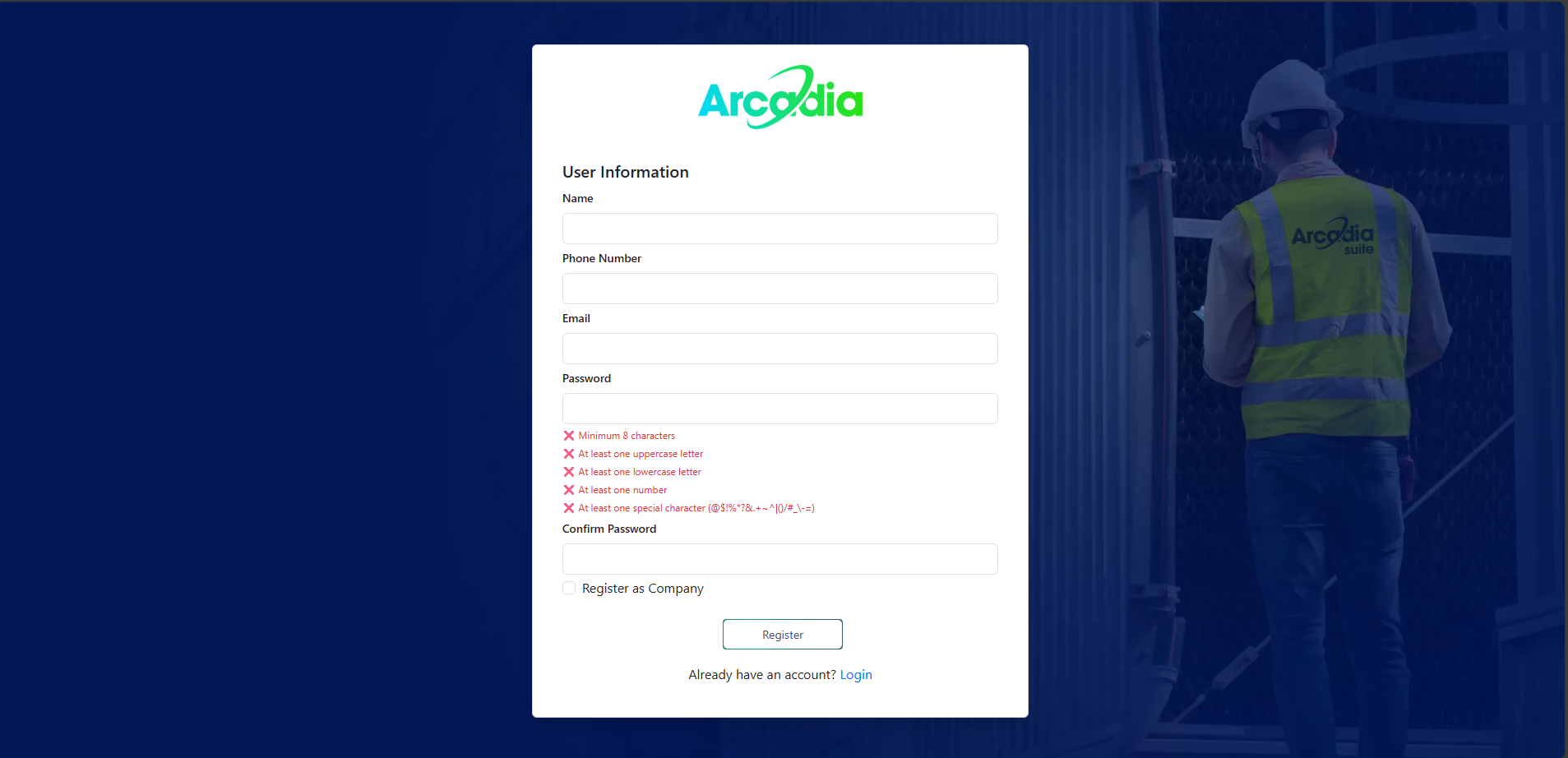
Step 2: Fill in Your Details
- Enter your full name
- Provide your professional email address
- Create a secure password (minimum 8 characters with mixed case and numbers)
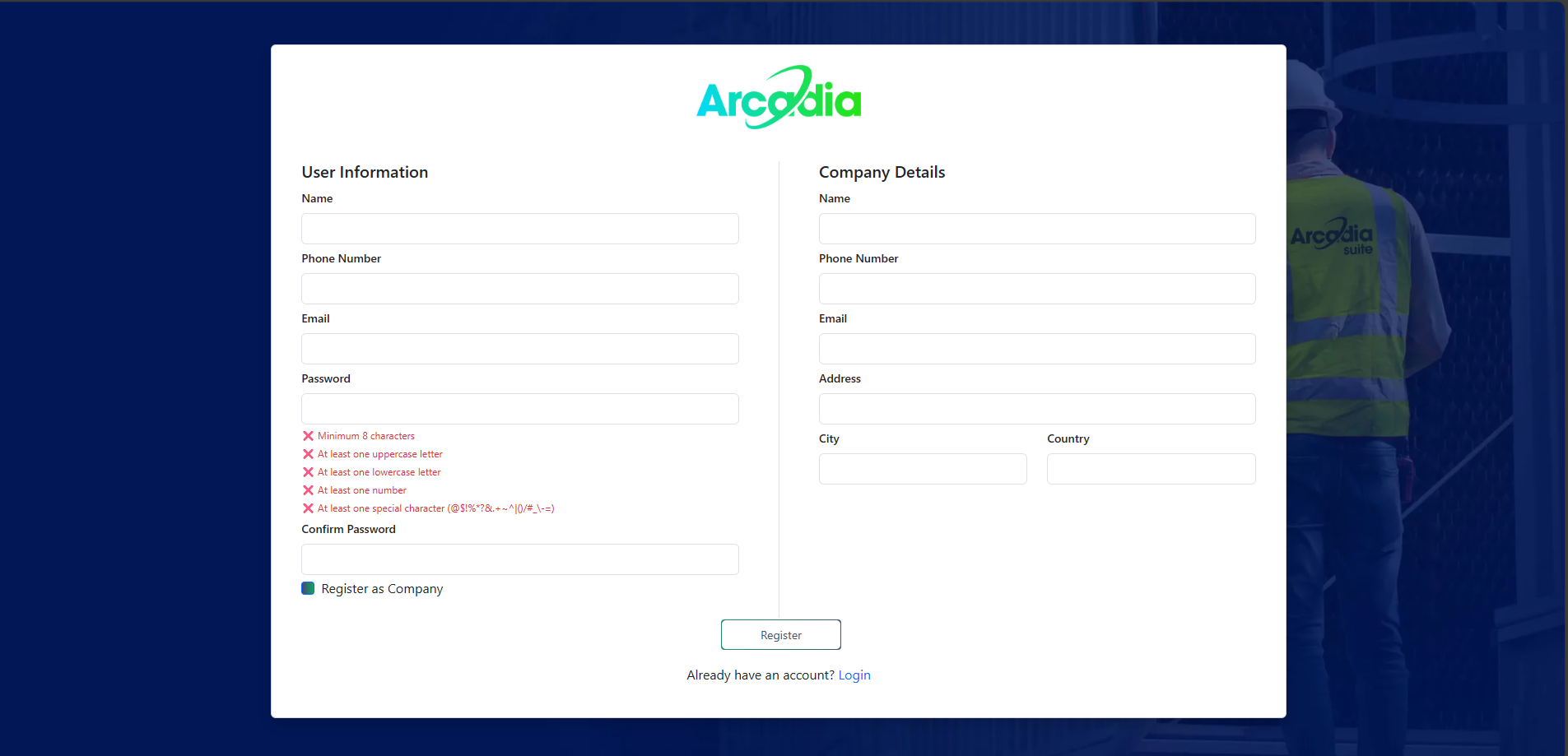
Step 3: Register as Company
- Press Register as Company Button
- Put your Company Details with User Information
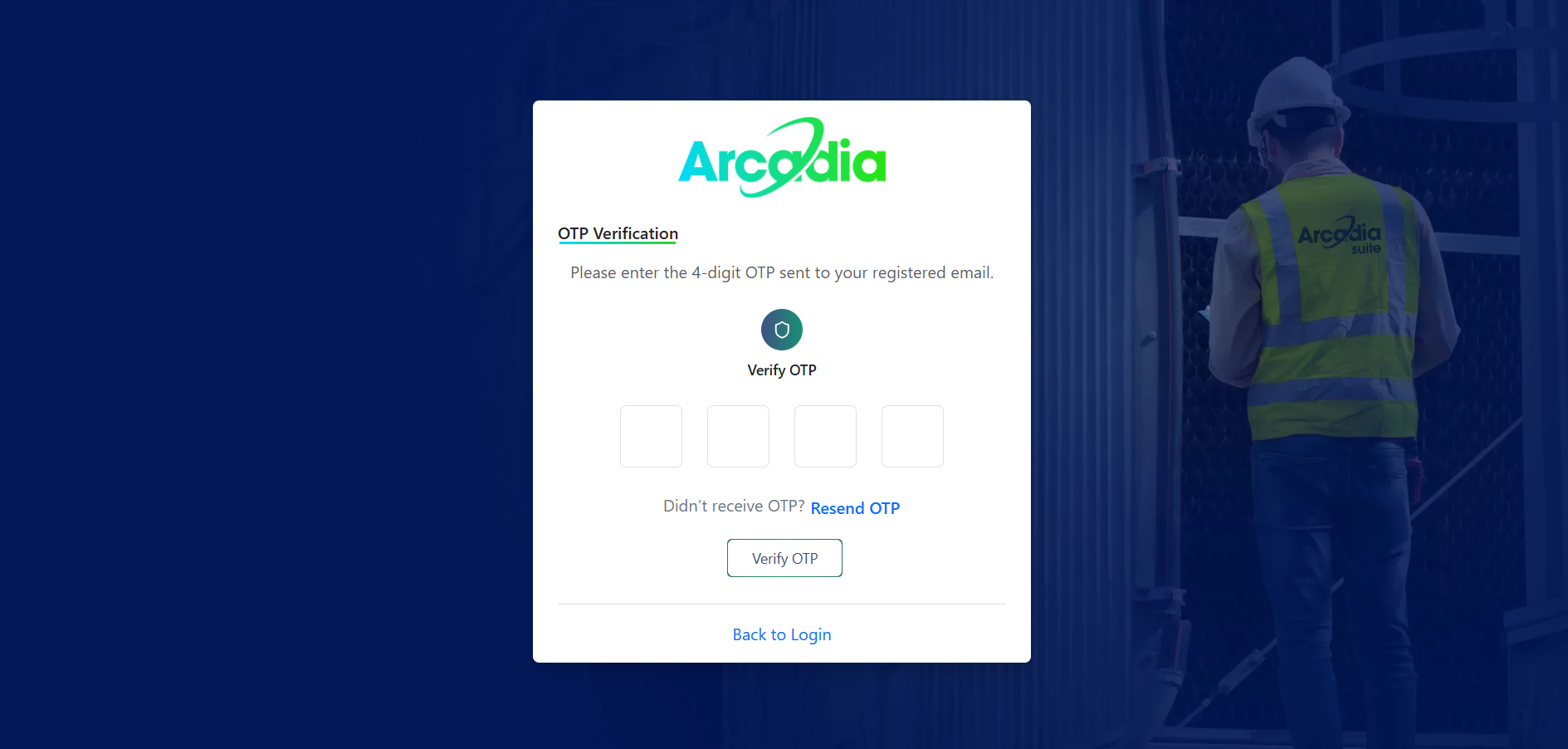
Step 4: Email Verification
- Check your Email for OTP
- Enter OTP for Email Verification
Login Process
Step 1: Access Login Page
Step 2: Enter Credentials
- Input your Registered Email Address
- Enter your Password
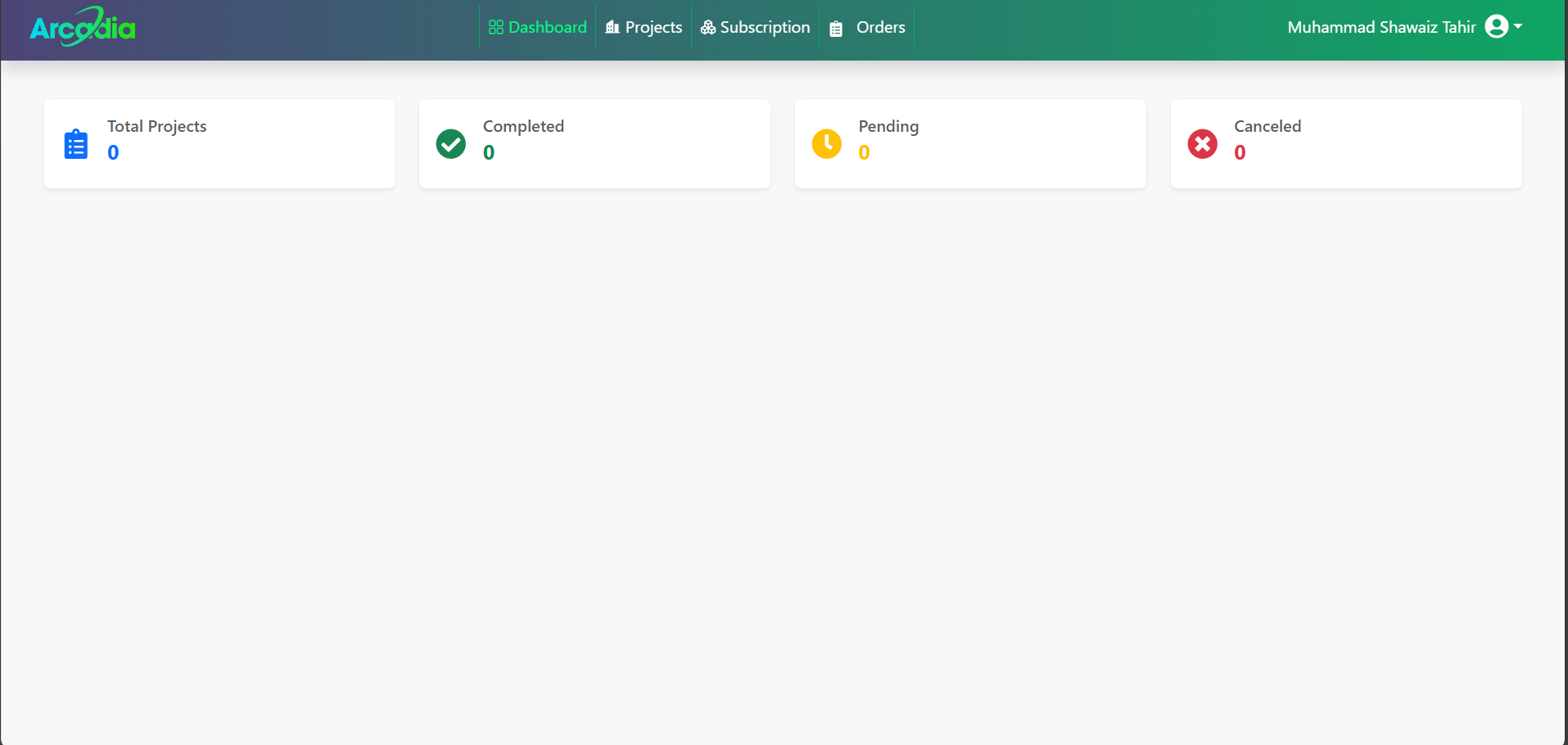
Step 3: Dashboard Access
- You'll be redirected to your main dashboard
- Recent projects and quick actions will be displayed
Common Login Issues
| Issue | Solution |
|---|---|
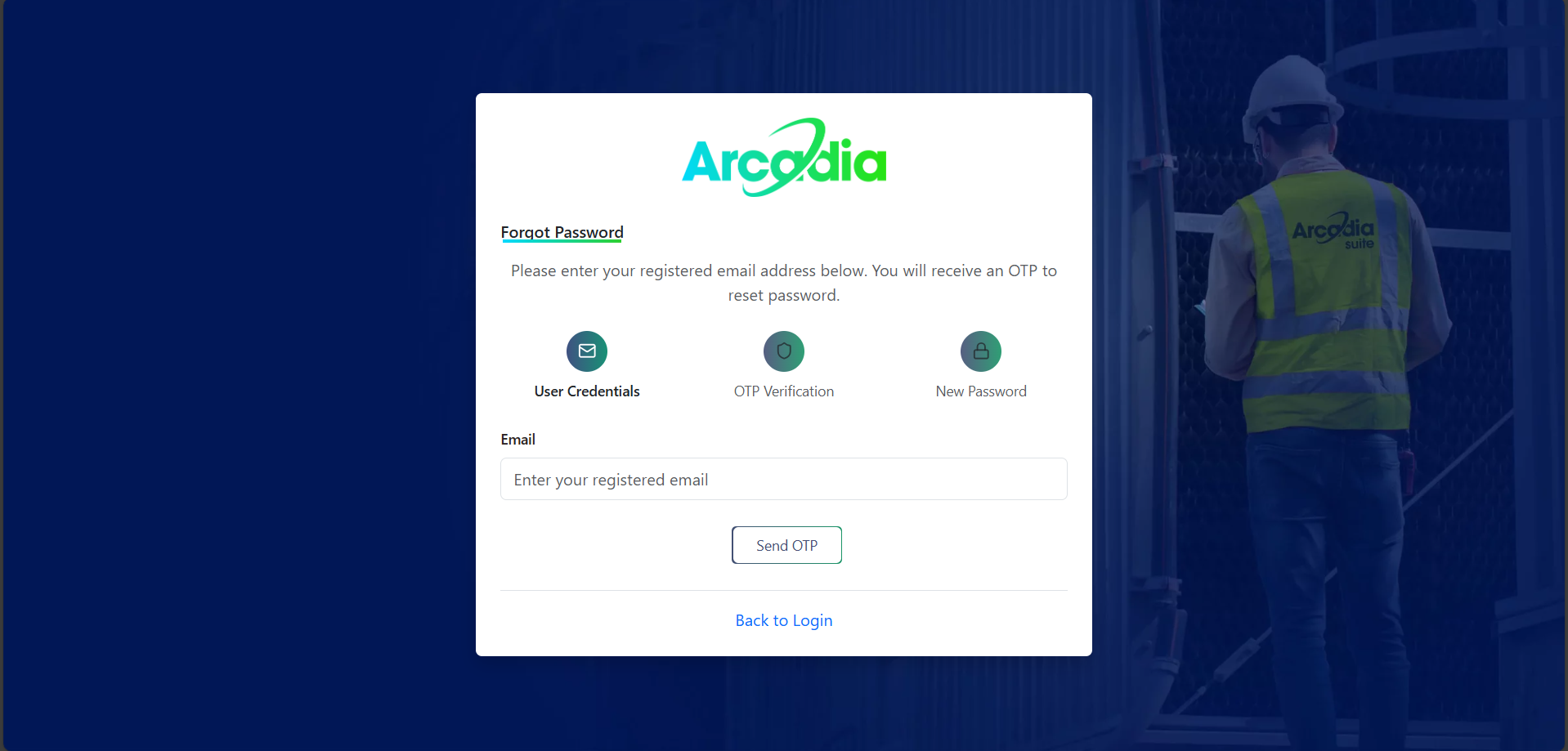
| Forgot Password | Click "Forgot Password" link on login |
| Email Not Recognized | Verify spelling |
| OTP Not Received | Check spam folder or wait for OTP to arrive |
| OTP Not Valid | Check OTP is correct |
Next Steps After Login
Once you've successfully logged in, we recommend:
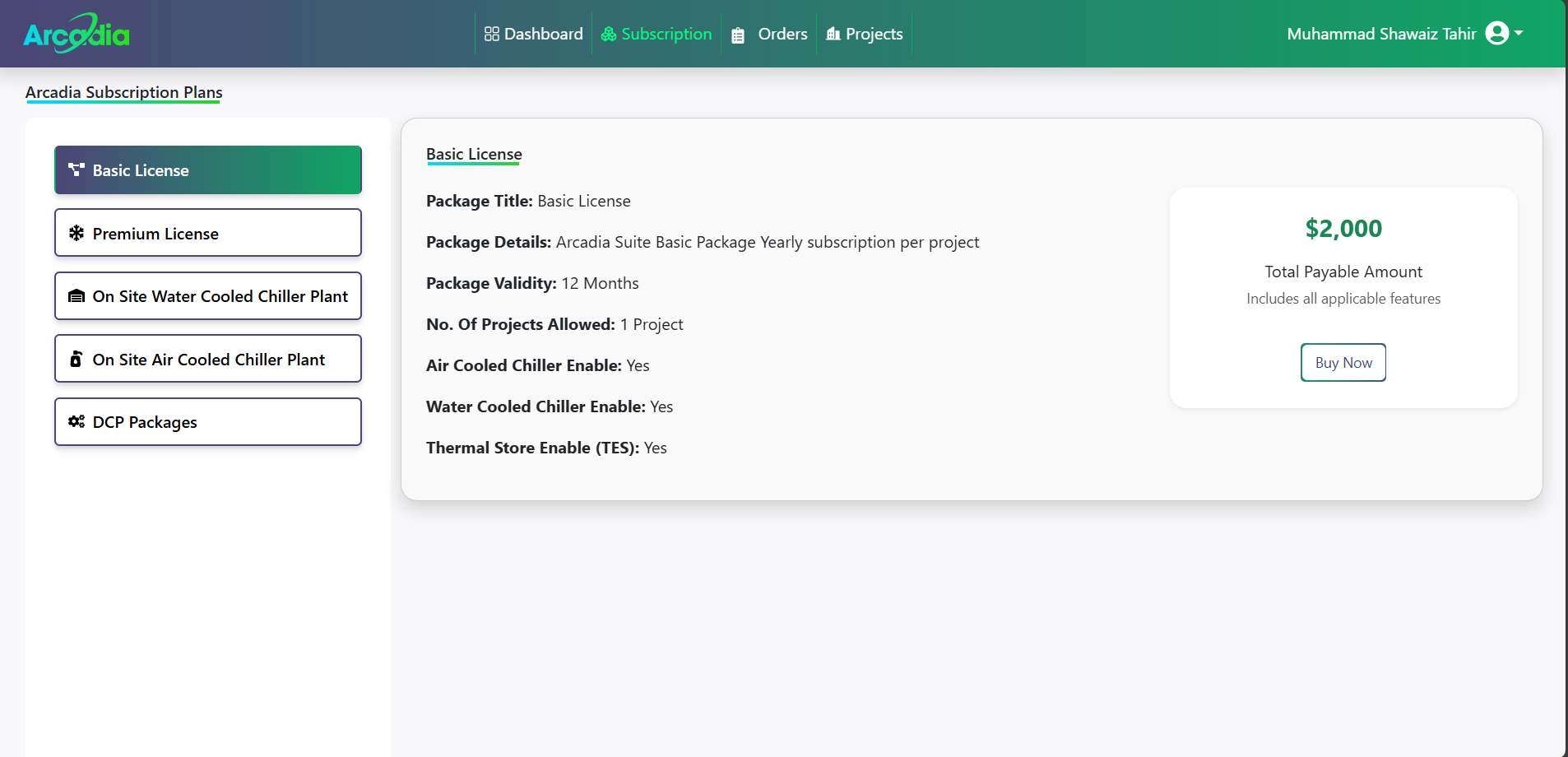
- Complete Your Profile - Add company details and preferences
- Create Your First Project - Start by creating a new project
Need Help?
- Email Support: info@gord.qa